TonyPiRobot
A PyQt5-based desktop application for robot control and management with AI-powered object detection using YOLO-light integration.



Demo Videos
Robot Detection in Action
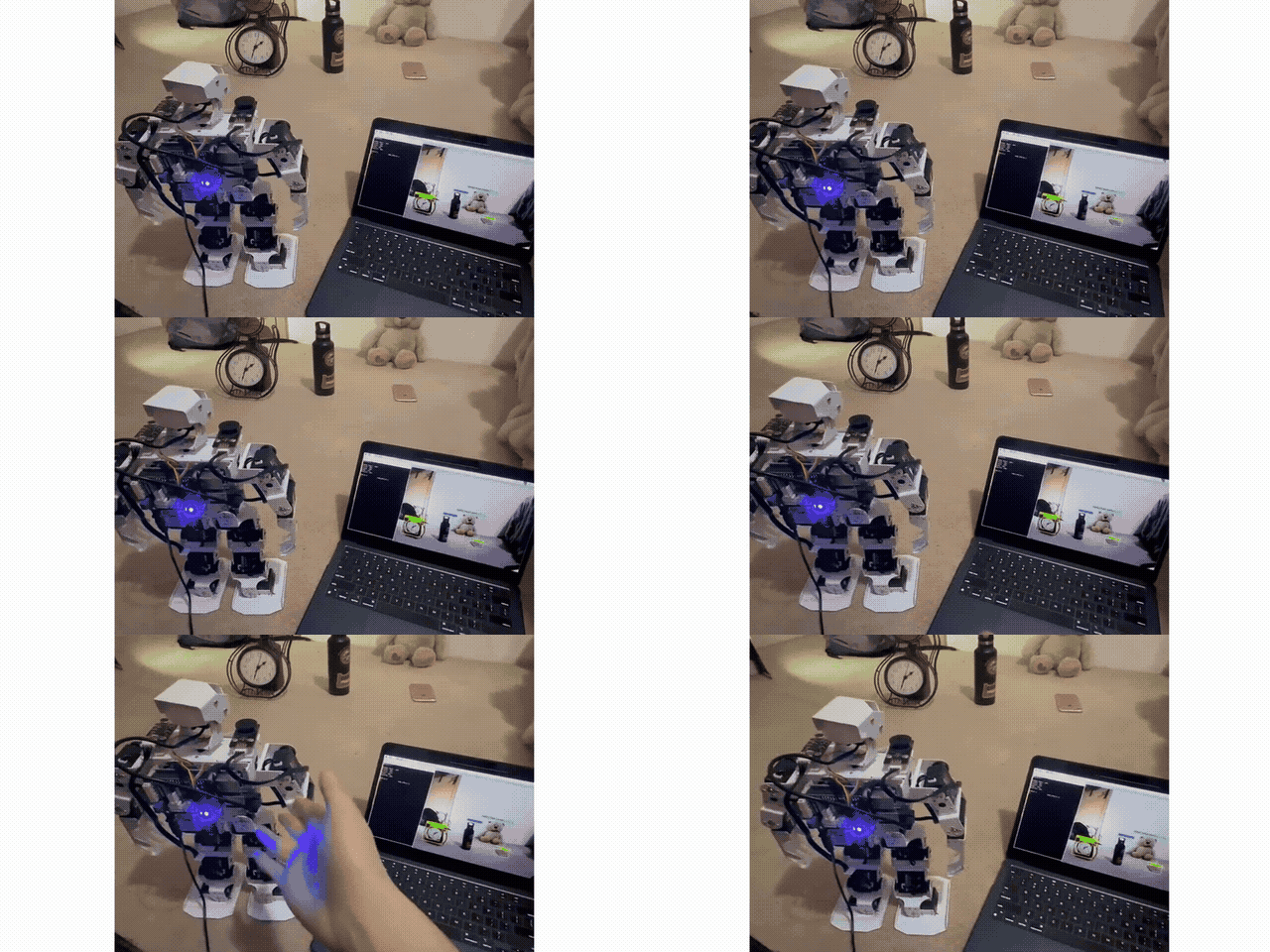
Compact Demo
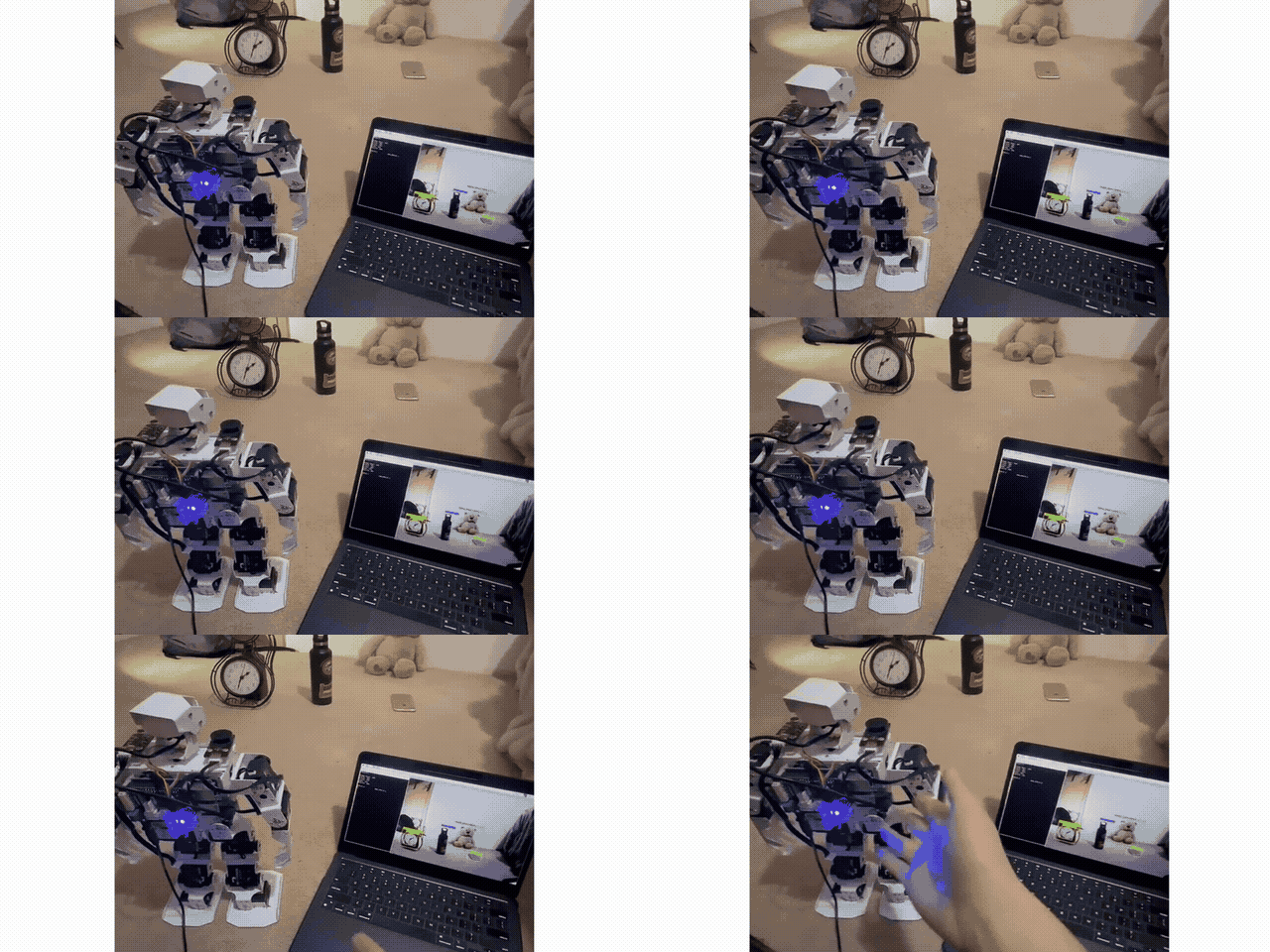
Why This Project
TonyPiRobot was created to provide an intuitive and powerful interface for robot control and management. The integration of YOLO-light brings real-time object detection capabilities, enabling robots to understand and interact with their environment more intelligently.
Standout Features
- Modern GUI Interface: Built with PyQt5 for a responsive and intuitive user experience
- YOLO-light Integration: Real-time object detection for enhanced robot perception
- Web Engine Integration: Embedded web browser capabilities for displaying web-based content
- Network Communication: Built-in network support for robot communication and data transfer
- Positioning Services: Location and positioning features for robot navigation
- Cross-platform Ready: Windows executable included, can be built for other platforms
- Real-time Computer Vision: Object detection and tracking for autonomous navigation
Tech Stack
- Python 3.7+
- PyQt5 - GUI framework
- Qt5 WebEngine - Embedded web browser
- Qt5 Network - Network communication
- Qt5 Positioning - Location services
- YOLO-light - Lightweight object detection
- OpenCV - Computer vision and image processing
- netifaces - Network interface management
Architecture (Essential)
src/
├── main.py                 # Main application entry point
├── gui/
│   ├── main_window.py     # Primary GUI interface
│   ├── control_panel.py   # Robot control widgets
│   └── detection_view.py  # YOLO detection visualization
├── vision/
│   ├── yolo_detector.py   # YOLO-light integration
│   └── camera_handler.py  # Camera interface
├── network/
│   ├── robot_client.py    # Robot communication
│   └── discovery.py       # Network discovery
└── positioning/
    └── gps_handler.py     # Location services
Quick Run
Option 1: Using Pre-built Executable (Windows)
- Download the latest release from the releases page
- Extract the
mainfolder - Run
main.exefrom the extracted folder
Option 2: Running from Source
git clone https://github.com/freyzo/TonyPiRobot.git
cd TonyPiRobot

pip install PyQt5
pip install netifaces
pip install opencv-python
pip install numpy
pip install torch
pip install torchvision

python main.py
Usage
Launch the application to access the robot control interface with integrated YOLO-light object detection. The application provides:
- Robot Control Panel: Direct control of robot movements and actions
- Detection View: Real-time object detection visualization
- Network Dashboard: Monitor and manage robot connections
- Position Tracking: GPS and location-based navigation
Roadmap
- Linux and macOS builds
- Enhanced YOLO models for better accuracy
- Real-time sensor data visualization
- Remote control capabilities via web interface
- Configuration management system
- Logging and debugging tools
- Multi-robot swarm control
- Advanced path planning algorithms